
Banking anywhere, quickly & easily.
Our Quick Start Guide will get you banking with just a few swipes and clicks.
Whether mobile banking or online, each page offers specific tips to start banking in minutes. This guide will help you navigate the tools and features we offer, making your experience one of a kind.
Click to view the guide and get started today.
Banking from your phone.
QUICK START via MOBILE APP
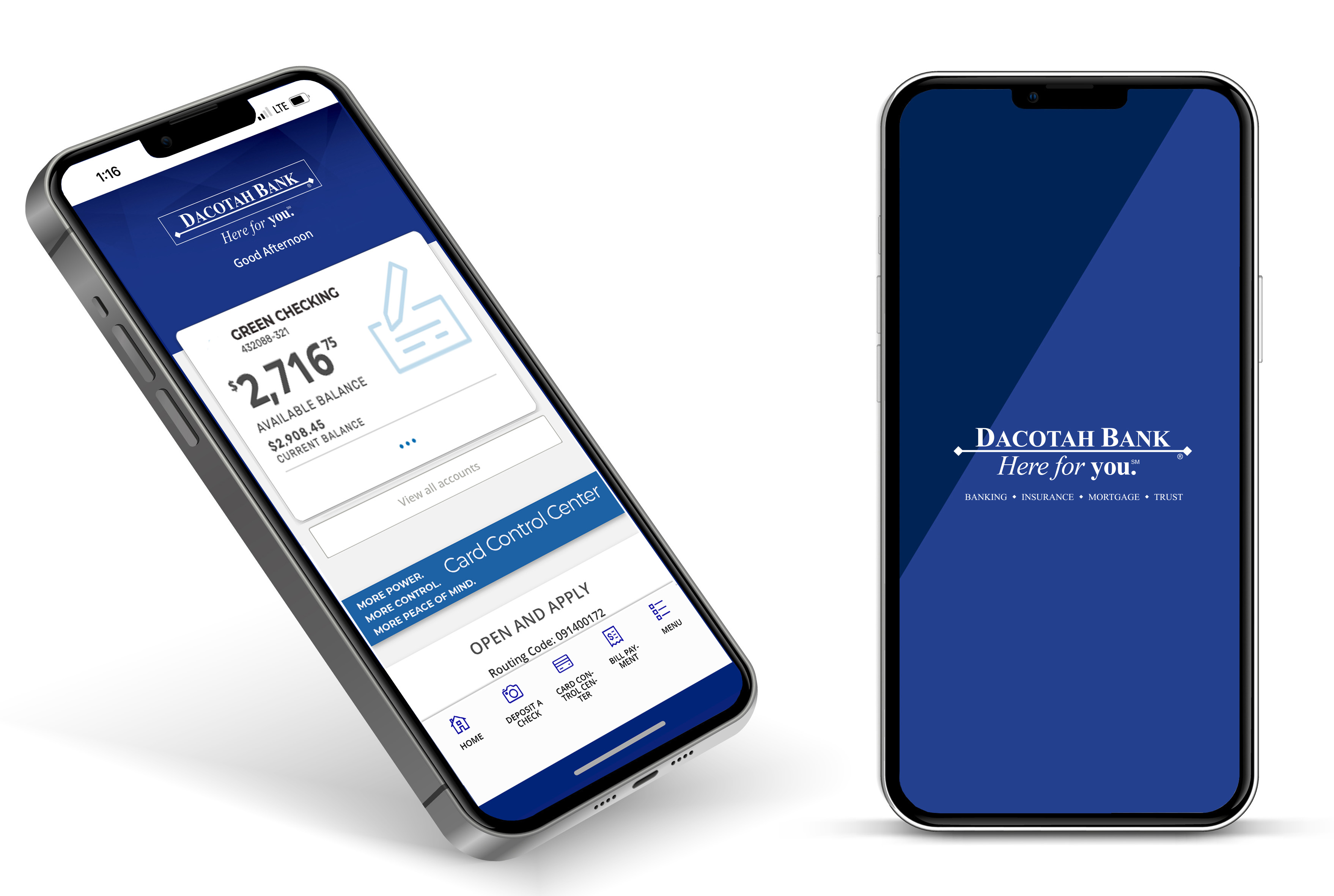
STEP ONE: Establish access to your account.
- Enroll in online banking at www.dacotahbank.com
- Download the mobile app.
- Click Account Login > Enroll Now
STEP TWO: Explore your mobile banking tools in the app.
- MOBILE DEPOSIT Log In > Menu > Accounts > Mobile Deposit > Enroll
- BILL PAY Log In > Menu > Pay & Transfer > Bill Pay > Enroll
- ZELLE Log In > Menu > Pay & Transfer > Send Money with Zelle
- OVERDRAFT PROTECTION Log In > Menu > Accounts > Apply for a Consumer Loan
- GO PAPERLESS Log In > Menu > Accounts > eStatements
- PERSONAL FINANCIAL MANAGEMENT Log In > Menu > Accounts > Personal Financial Management > Link Account
- QUICK BALANCE Log In > Menu > Settings > Enable Quick Balance
- ENABLE ALERTS/APPLE WATCH Log In > Menu > Settings > Set Alerts or Enable Apple Watch
Banking from your computer, tablet
QUICK START via WWW.DACOTAHBANK.COM
Accessing the internet via your web browser, you can visit www.dacotahbank.com and get started banking online today!
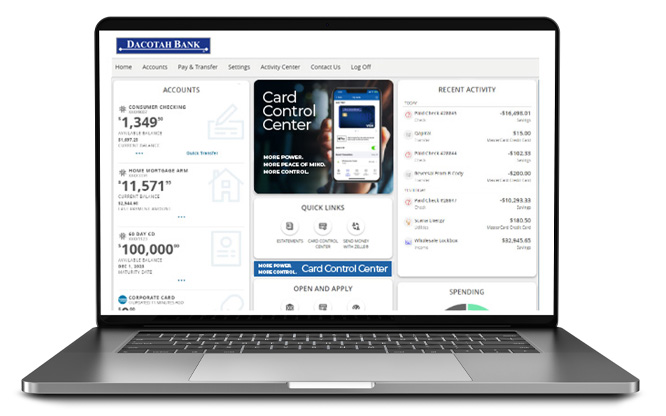
STEP ONE: Establish access to your account.
- Enroll in online banking at www.dacotahbank.com
- Click Account Login > Enroll Now
STEP TWO: Explore your mobile banking tools in the app.
- BILL PAY Log In > Pay & Transfer > Bill Pay > Enroll
- ZELLE Log In > Pay & Transfer > Send Money with Zelle > Enroll
- OVERDRAFT PROTECTION Log In > Accounts > Apply for a Consumer Loan
- GO PAPERLESS eSTATEMENTS Log In > Accounts > eStatements
- PERSONAL FINANCIAL MANAGEMENT Log In > Accounts > Personal Financial Management > Enroll
- CARD CONTROL CENTER Log In > Accounts > Card Control Center
Time Saving Tip:
Log in to online banking before applying or opening a new account. Many application fields will conveniently fill in for you!
Other ways to bank outside the bank.
SERVICE CENTER

Call.
Our Dacotah Bank Service Center strives to provide the best customer service possible. We are here to answer any question you may have regarding your financial needs. 1-(800) 881-5611
Click.
Visit dacotahbank.com/contact-us for an email form. A Dacotah Bank representative will promptly respond to your inquiry. This email will be not sent securely, so please do not include any personal account information.
Hours
Monday - Friday 7:30 AM - 7:00 PM CT
Saturday 9:00 AM - 1:00 PM CT
INTERACTIVE TELLER MACHINE
ATMs are such a large part of convenience banking. So what exactly is an ITM? An Interactive Teller Machine is an ATM with connection to a live Dacotah Bank banker. The video banker can guide you through every step of your transaction and answer questions about your account.
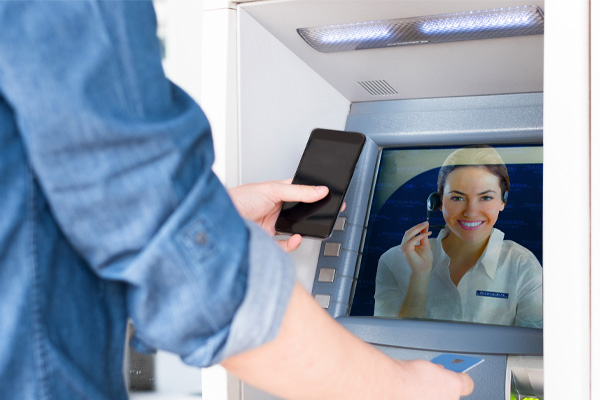
Highlights
- Live Dacotah Banker
- Cash checks
- Deposit checks or cash
- Withdraw cash
- Select withdrawal bill mix
- Transfer between DB accounts
- Account and debit card questions
- Make DB loan payments
- Make DB Credit Card payments
- Update address and phone